
A Google Ads audit is a structured review of your account that shows where money is going, which clicks turn into patients, clients or sales, and which settings quietly work against you. The order matters: confirm that conversion tracking is accurate first, then check settings, search terms, ads and landing pages, and rank every fix by how much money it affects. This guide gives you that routine, with the traps at each step. We are The Artist Evolution, a full service marketing agency with 18 years in business, and our team runs this kind of review for healthcare, legal, retail and CPG accounts.
TL;DR
- Write down your goal, target cost per acquisition (CPA) or return on ad spend (ROAS), and monthly budget before you open the account.
- Audit conversion tracking first. Every later judgment about performance depends on it.
- Search terms, locations, networks and auto-applied recommendations are where most waste hides.
- Rank findings by money at stake and fix a few at a time, so you can tell what worked.
- Re-audit on a schedule: a light monthly check and a full review each quarter.
Table of Contents
- What a Google Ads audit covers, and what it does not
- Step 1: Set the goal and the baseline before you look at anything
- Step 2: Audit conversion tracking before you judge performance
- Step 3: Review structure, settings and automation
- Step 4: Clean up search terms, keywords and negatives
- Step 5: Evaluate ad groups, ads and Quality Score
- Step 6: Check the landing page and the follow-up
- Step 7: Rank the findings and fix them in order
- How often to audit
- Perspective: why audits work best with the strategy attached
- Get a second set of eyes on your account
- FAQ
- Sources
What a Google Ads audit covers, and what it does not
An audit looks at four layers of your account: goals and tracking, structure and settings, targeting (keywords, search terms, locations), and the ads and landing pages people actually see. It ends with a ranked list of changes, not a pile of observations.
It is different from the security review Google recommends. Google’s help page on securing your Google Ads account advises regularly checking who has access, looking for unauthorized changes, removing inactive users and granting only the access each person needs. Do that too, once or twice a year. It protects the account, while a performance audit protects the budget.
Google does not run a performance audit for you. Its in-account recommendations are suggestions, and as you will see in step three, some of them can change your account on their own if switched on.
Step 1: Set the goal and the baseline before you look at anything
Most bad audits start by browsing the account and reacting to whatever looks odd. Start instead with three numbers on paper:
- The goal. Booked appointments, qualified consultations, store visits, online orders.
- The target. A CPA or ROAS you can afford. For a dental practice, that is what a new patient is worth over time. For a law firm, it is what a signed case is worth. For a retailer, it is the margin on an order.
- The monthly budget. The real figure, including any ad spend that sits outside this account.
Then decide why you are auditing. A quarterly health check, a review after conversions dropped, and a look at an account you just inherited are different jobs and deserve different depth.
Where it goes wrong: judging campaigns by CPA alone. A campaign with a high CPA may bring better-qualified leads than a cheap one that fills your inbox with people who never book. Decide up front which conversion actually matters to the business, and whether different campaigns have different goals.
Our own PPC audit checklist walks through nine steps for finding wasted ad spend if you want a printable companion to this guide.
Step 2: Audit conversion tracking before you judge performance
If tracking is wrong, every number after it is wrong. Check these in order:
- Are the right actions counted? List every conversion action in the account. Form fills, phone calls, booked appointments and purchases belong. Page views and button clicks usually do not.
- Primary or secondary? Google explains in its guide to primary and secondary conversion actions that primary actions are the ones used for bidding and reported in the conversions column, while secondary ones are observation only. If a minor action is set to primary, your bidding strategy is optimizing for the wrong thing.
- Is each action recording? Look at the status column for each action and test it by completing the action yourself on the live site.
- Duplicates. A thank-you page that fires twice, or a call counted both as a click-to-call and a form, inflates results and lowers your apparent CPA.
- Recent changes. A site redesign, a new booking tool or a new form plugin often breaks tags without anyone noticing.
For practices and firms that win business by phone, call tracking is often the missing piece. If a large share of your leads call, a tracking setup that only counts forms undercounts results and pushes you toward the wrong cuts. See our call tracking guide for how to connect calls to campaigns, and our GA4 reporting guide for matching Google Ads numbers to analytics.
Our view, covered in more depth in fix tracking first: PPC budget allocation, is that no budget decision should be made on numbers you have not verified.
Step 3: Review structure, settings and automation
Google’s help page on campaign settings lists what each campaign controls: networks, devices, locations and languages, bidding and budget, assets, ad scheduling, attribution model, ad rotation and conversion tracking. Go through them campaign by campaign.
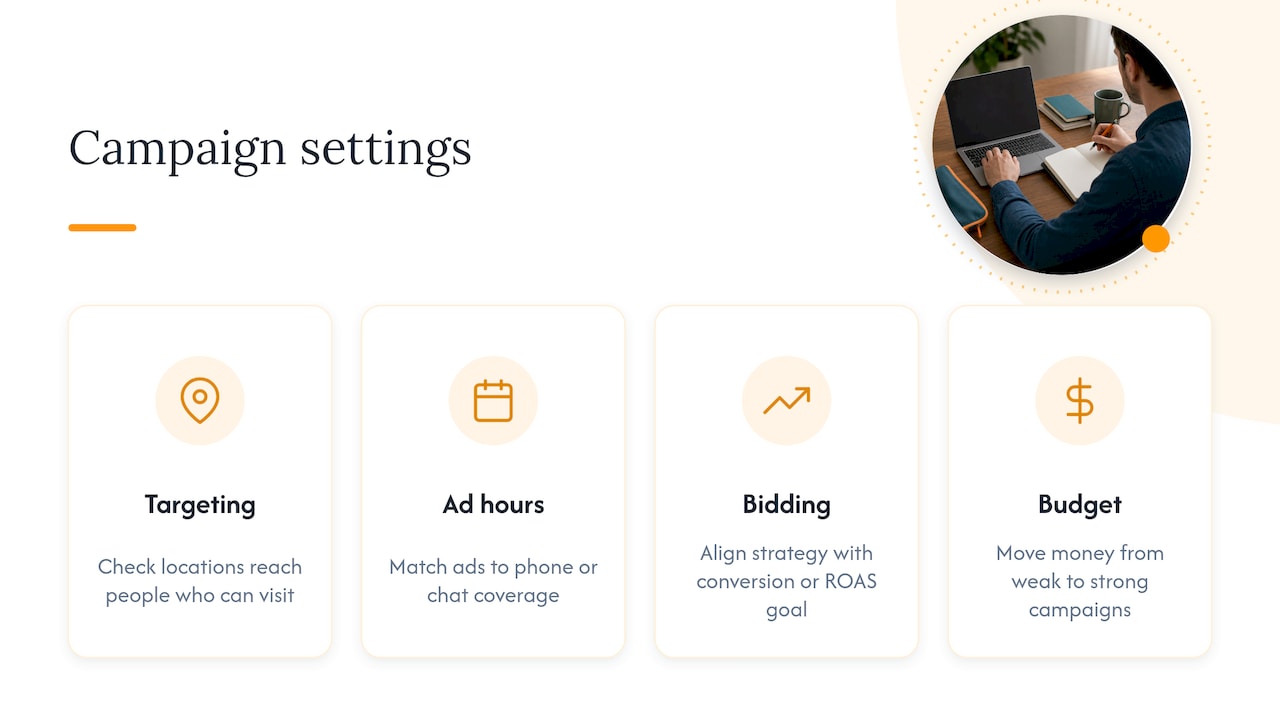
Networks. Check whether Search campaigns are also serving on partner sites or the Display Network. If so, make sure that was a decision, and look at results by network.
Locations. This is a frequent leak for local businesses. A clinic that serves one metro area should confirm its target locations and the advanced location option. If the setting reaches people merely interested in your area rather than those physically in it, you may pay for clicks from people who cannot visit you.
Ad schedule. Match ad hours to when someone can answer the phone or the chat. A law firm paying for emergency-intent searches at 2 a.m. with no intake line is paying for missed leads.
Devices. Check results by device. If your booking page is clumsy on a phone, mobile clicks will look expensive.
Bidding strategy versus goal. If the goal is conversions at a target CPA, the strategy should reflect it. If your goal is ROAS, a strategy built for impression share is a mismatch. Set targets from your own margins, not from a number you saw in an article.
Budgets. Look for campaigns limited by budget while others underspend. Moving money from weak campaigns to strong ones is often the quickest gain in an audit.
Recommendations and auto-apply. Open the recommendations page and the auto-apply settings. Keep on only the automatic changes you chose deliberately. Treat the rest as suggestions to evaluate against your goal, not instructions.
Change history. Google’s change history shows who changed what and when. Line it up with the date performance moved. It often explains a drop faster than any report.
Step 4: Clean up search terms, keywords and negatives
This step usually finds the most visible waste. The search terms report shows the actual phrases people typed that triggered your ads, and Google notes it can be used to find terms to add as negative keywords.
Work through it like this:
- Sort by cost. Start with the terms that spent the most and converted least.
- Mark irrelevant intent. For a dental practice: “dental school,” “dentist jobs,” “free dental clinic.” For a law firm: “law school,” “lawyer salary,” “how to become a paralegal.” For retail: “wholesale,” “used,” “repair.”
- Add negatives at the right level. Add a negative at the campaign level for terms that never apply, and at the ad group level when a term belongs in a different ad group.
- Look for winners. Terms that convert but are triggered by broad matching deserve their own tightly themed ad group and ad.
- Check overlap. When two ad groups or campaigns match the same search, one should be the intended home. Add a negative keyword to the weaker one.
- Compare over time. Judge keywords against the same period last year if you have it, so seasonality does not fool you.
Healthcare and legal accounts need extra care here. A single broad word can pull in searches that have nothing to do with your services, and the cost per click in these categories is high enough that a week of bad matching hurts. If you work in these fields, our guides to Google Ads for dentists, Google Ads for doctors and law firm PPC cover the keyword themes and intake issues specific to each.
Step 5: Evaluate ad groups, ads and Quality Score
Google’s guidance on Quality Score frames it as a diagnostic tool, not a goal in itself. It has three components, each rated below average, average or above average: expected click-through rate, ad relevance and landing page experience. Use the weakest component to decide where to work.
- Expected CTR below average: your ad is not compelling for that search. Rework the headline and offer.
- Ad relevance below average: the ad does not match the keyword. Split the ad group into tighter themes.
- Landing page experience below average: the page does not deliver what the ad promised, loads slowly or is hard to use on mobile.
Google’s campaign setup advice points the same way: spread keywords into multiple ad groups with ads that directly relate to them, include at least one keyword in a headline, match the ad’s promise to the landing page, and run at least three ads in each ad group so Google can show the best performer.
A practical test: pick your top five spending keywords, search them, and read your ad next to the landing page. If a patient searching for “emergency dentist” lands on a general homepage, or a person searching for a specific product lands on a category page, the message has broken.
Step 6: Check the landing page and the follow-up
Many audits stop at the account boundary, yet the click is only half the transaction. Walk through the path a real prospect takes on a phone:
- Does the page load quickly and show the offer the ad promised?
- Is the phone number tappable and the form short?
- For healthcare and legal pages, is the next step obvious: book, call, request a consultation?
- Does the thank-you page fire the conversion tag exactly once?
- Who answers, and how fast? A lead that waits a day is often a lost lead.
When the page is the bottleneck, no keyword fix will help. That is where website design and ongoing optimization come in, rather than more spend.
Step 7: Rank the findings and fix them in order
An audit that ends with 60 findings and no order produces no change. Sort every finding into four levels:
| Priority | What belongs here | When to act |
|---|---|---|
| Critical | Broken or duplicate tracking, wrong primary conversions, ads running to broken pages | Immediately |
| High | Obvious wasted spend: irrelevant search terms, wrong locations, budget-limited winners | Within a week |
| Medium | Ad group restructuring, ad testing, bidding changes | Within the month |
| Low | Cosmetic tidying, naming, minor asset gaps | When time allows |
Then keep a short decision log for each change: what you saw, why you think it happens, the evidence, and what you expect to happen. Make a few changes at a time. If you change bidding, locations and ads on the same day, you will not know which one moved the numbers.
How often to audit
A workable rhythm for most accounts is a light monthly review of budget pacing, search terms and conversion tracking, plus a full audit each quarter. Run an unscheduled audit when performance drops sharply, after a website change, or when you take over an account from someone else. Seasonal businesses, such as retail and CPG brands heading into holiday periods, benefit from an audit a few weeks before the peak so there is time to fix and observe.
Perspective: why audits work best with the strategy attached
The most common mistake we see in an audit is treating the ad account as a sealed box. The settings are only part of the story. The goal, the website, the intake process and the reporting all decide whether a click becomes a customer.
That is why we build audits around the business question first: what is a patient, a case or an order worth to you, and what is the account actually delivering against that? Our approach pairs strategy with execution, with a multidisciplinary in-house team and a proven marketing playbook system designed to turn findings into measurable results.
A list of problems is useful. A prioritized plan, carried out and measured month after month, is what changes the account. We aim to function as an extension of your team so that the fixes get made, tracked and reported.
Derek
Get a second set of eyes on your account
If you would rather have specialists review the account and carry out the fixes, our Google Ads management and pay-per-click management services cover campaign management, ongoing reporting and optimization. For a wider look at where your marketing stands beyond ads, our marketing assessment is the place to start. Tell us your goal and your target cost per patient, client or order, and we will take it from there.

FAQ
How do I audit my Google Ads account?
Set your goal, target and budget first, then verify conversion tracking, review campaign settings, clean up search terms and negatives, assess ads and landing pages, and rank the fixes by money at stake. Work in that order because each step depends on the one before it.
Does Google audit my Google Ads account for me?
No. Google offers recommendations inside the account and security guidance, such as reviewing user access and unauthorized changes, but it does not review your results against your business goals. Treat recommendations as ideas to test against your target.
How often should I run a Google Ads account audit?
Do a quick monthly check of spend pacing, search terms and conversion tracking, and a full audit every quarter. Add one whenever performance falls suddenly, the website changes or you inherit an account.
What should I look at first in a Google Ads audit?
Conversion tracking. If actions are missing, duplicated or counted as primary when they should not be, your cost per conversion and bidding are built on bad data.
Sources
- Secure your Google Ads account: Introduction, Google Ads Help
- About primary and secondary conversion actions, Google Ads Help
- About campaign settings, Google Ads Help
- About change history, Google Ads Help
- Get negative keyword ideas using the search terms report, Google Ads Help
- 5 ways to use Quality Score to improve your performance, Google Ads Help
- Set up your campaign for success, Google Ads Help